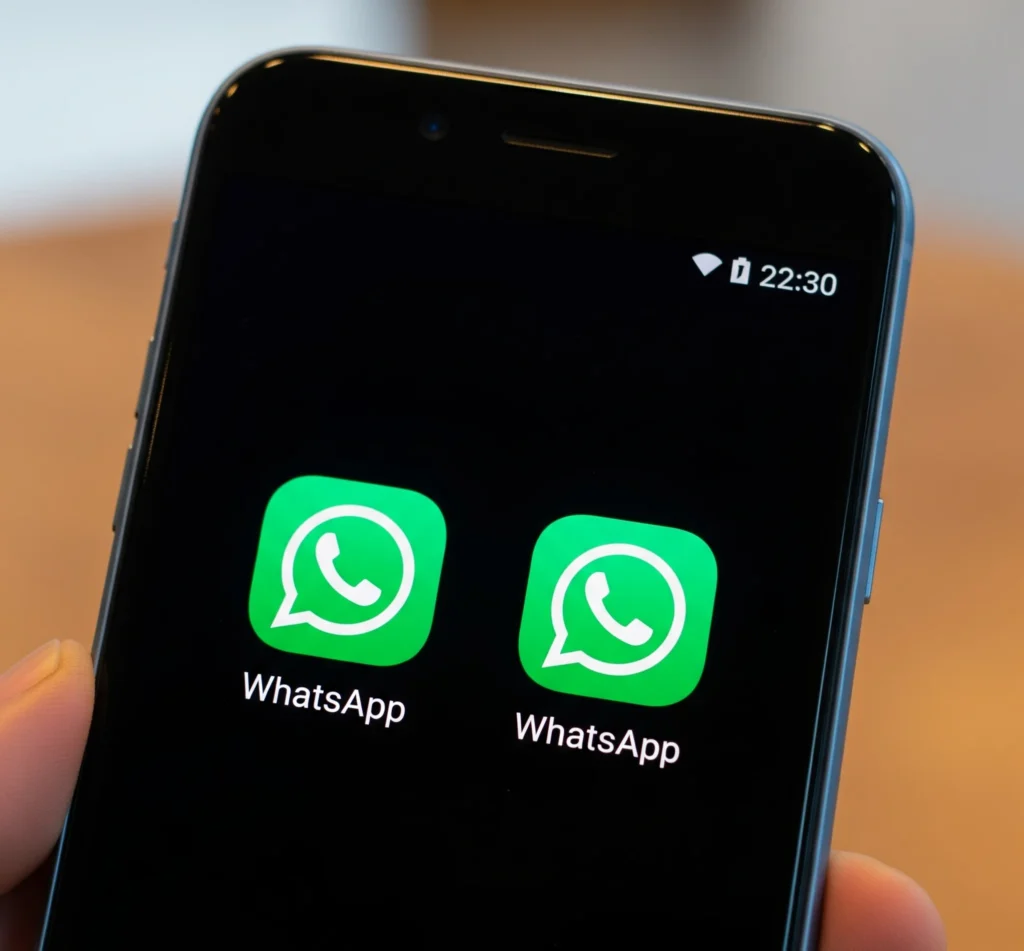
Many of us like to have two WhatsApp accounts on their device for various reasons, such as having the first one for work as the official account, and another for family and friends. This used to be somewhat difficult and required certain programs.
Now, this can be done very easily without the need to download any programs, because this feature is shared between the Android operating system and the WhatsApp application. All you have to do is activate this feature through your phone settings, whether it is Samsung, Huawei, iPhone, etc. We will explain this method in detail with pictures.
You may be interested in reading the article WhatsApp Web which explains how to open WhatsApp directly through the browser.
Downloading a Second WhatsApp on the Same Phone
You can download a second WhatsApp or a second version on the same device (Samsung, iPhone, Huawei, etc.), and this version will be marked with an orange badge to distinguish the first program from the second:
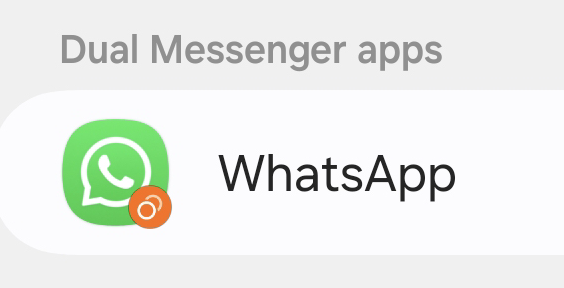
However, the most important requirement to download a second WhatsApp program is having another phone number to activate WhatsApp. You will go through the same normal WhatsApp activation steps, and here are the steps:
- Go to phone settings from the apps list or the notification panel
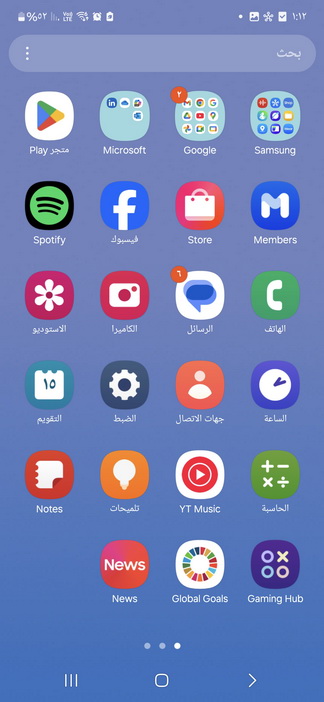
- In the middle of the settings list, you will find the Advanced features option
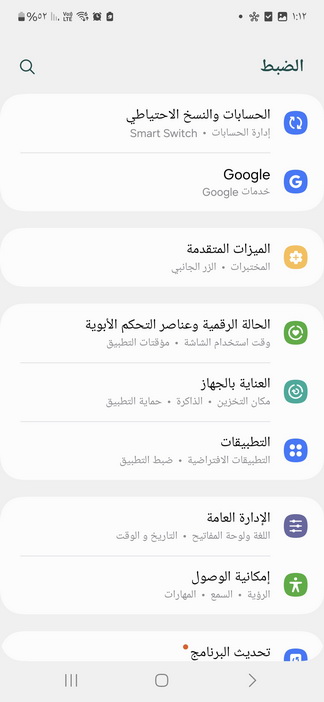
- Scroll down to find Dual Messenger
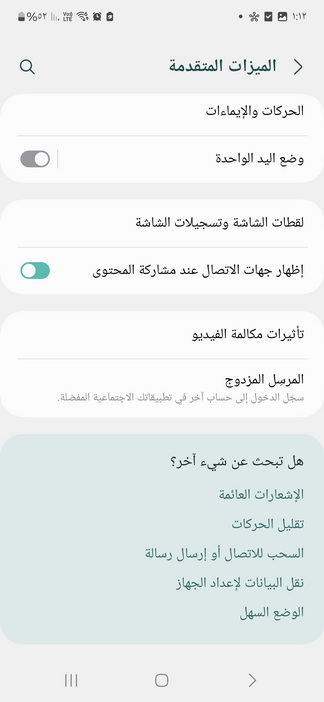
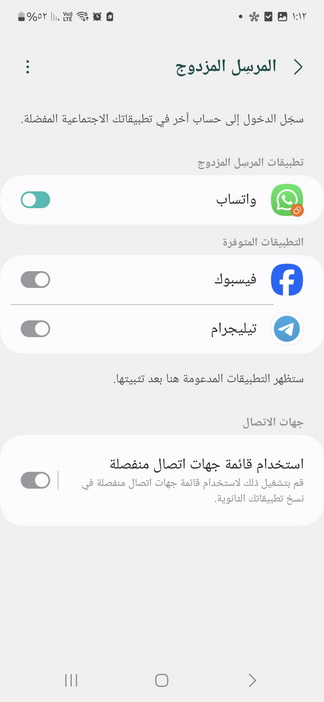
- On the Dual Messenger page, you will find the WhatsApp application with a toggle switch next to it. Turn it on and wait until another copy of WhatsApp is downloaded automatically.
After that, you will find the second version of WhatsApp in your apps list, marked with an orange badge in the bottom corner. Open the WhatsApp application and start activating the new number using the well-known steps from entering the number to receiving the activation message, etc.
You will also notice in the Dual Messenger list any application that supports downloading a second copy, like Facebook or Telegram. You can activate either of them.
At the bottom, there is a wonderful new feature, which is using a second set of contacts. If your phone already has another copy or has two SIM cards, you can assign the contacts of each number to its respective WhatsApp application.
Running a Second WhatsApp on iPhone and Android Devices
There is another way to run a second WhatsApp on iPhone or Android devices, which is by downloading WhatsApp Business. You can do this through the following steps:
- Head to Apple’s App Store on iPhone or Google Play on Android.
- Search for the WhatsApp program.
- Choose WhatsApp Business from the list (where the letter B is written on the WhatsApp icon).
- Download the app and activate WhatsApp on the other number.
iPhones currently allow using a second WhatsApp on the phone, but in a different way that relies on managing both accounts from a single window, which many people dislike. Therefore, we explained the most popular method, which is downloading WhatsApp Business to get a separate second WhatsApp application on iPhone.
In any case, some people might search for the Dual space Social messenger app on the Apple Store and download it. The idea behind the app is to give you the ability to download a second copy of all chat applications on your phone, even those that do not natively support downloading two copies.