Contents
The WhatsApp application has seen significant development in features and functions over the years, becoming an indispensable communication platform for millions of users worldwide. In this context, Meta has offered a specialized version for businesses called WhatsApp Business aimed at meeting the needs of small and medium-sized businesses and organizations seeking to enhance their digital presence and facilitate interaction with customers.
In this article, we explore the difference between regular WhatsApp and WhatsApp Business, outlining the features of each and how to choose the optimal platform for you.
The Main Differences Between Regular WhatsApp and WhatsApp Business
1. Purpose and Use
Regular WhatsApp is primarily designed for personal use and communication between friends and family. In contrast, WhatsApp Business serves a professional and guiding purpose: it helps businesses manage commercial conversations, provide technical support, and market products and services.
2. Business Profile
WhatsApp Business allows the creation of a rich profile that includes the company name, a brief description of activities, location address, business category, and working hours. In regular WhatsApp, the profile is limited to the name, picture, and some basic information.
3. Automated Messaging Tools
WhatsApp Business supports automated messaging features like welcome messages, away messages, and quick replies that save time and enhance professionalism in communication. These features are not available in regular WhatsApp except through third-party applications or unofficial plugins.
4. Statistics and Analytical Data
WhatsApp Business provides statistics on the number of messages sent, received, and read, helping to evaluate the effectiveness of marketing campaigns and improve customer experience. In contrast, the regular version does not offer any analytical data.
5. Integration with Other Systems
WhatsApp Business can integrate with many Customer Relationship Management (CRM) tools and e-commerce systems via the WhatsApp Business API. This option is not available in the regular version.
Features of WhatsApp Business (WhatsApp Business)
Organize Chats Using Labels
In WhatsApp Business, you can organize conversations according to custom labels such as “New Orders,” “Potential Clients,” or “Technical Support,” making it easier to find and manage important conversations quickly.
Secure and Targeted Marketing
The platform allows sending targeted bulk messages (broadcast messaging) to your client base with their prior consent, which enhances trust and reduces spam complaints.
Affordable Pricing Tier
Unlike the paid services for large businesses through WhatsApp Business API, which require approval procedures and large message volumes, the free WhatsApp Business offers most features suitable for small businesses at no additional cost.
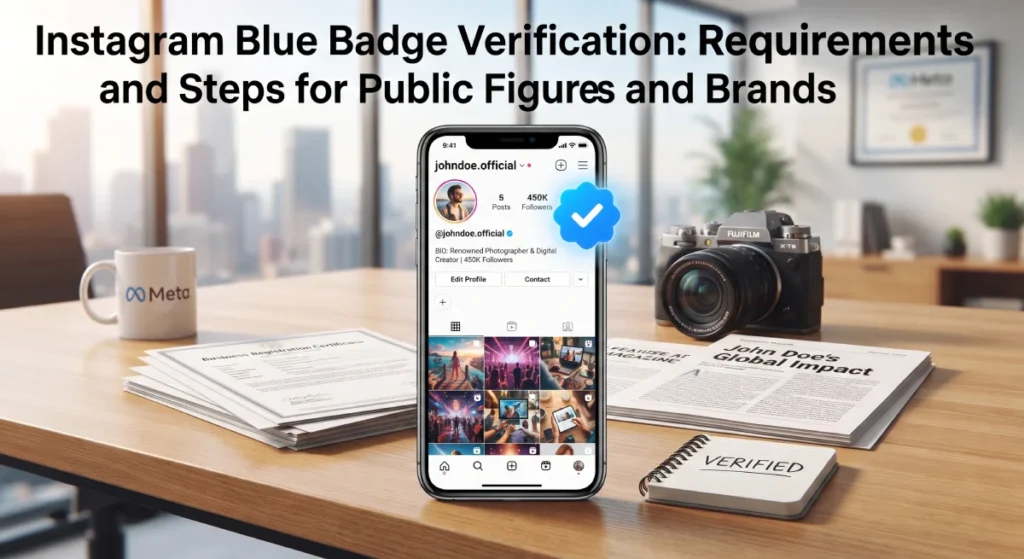
Blue Verification Badge for Brands
Brands that meet certain criteria can obtain a blue verification badge next to their account name, increasing the credibility of the company in front of customers.
Target Audience for Each Application
Regular WhatsApp Users
This version is suitable for individuals or families who wish to communicate daily and participate in groups or share multimedia simply and directly. These users typically do not need advanced organizational tools or statistics.
WhatsApp Business Users
Ideal for small and medium business owners, retail stores, freelancers, and customer service centers that want to:
- Consolidate communication channels with customers.
- Respond quickly and organized to inquiries.
- Send promotional offers or appointment reminders.
- Measure the performance of marketing campaigns through built-in statistics.
Which Application is Better for You?
The optimal choice depends on the nature of your business and your core needs:
Choose Regular WhatsApp If:
– Your goal is personal or family communication without the need for professional tools.
– You do not need automated messages or statistics.
– You do not have a marketing plan via the platform.
Choose WhatsApp Business If:
– You own a project or business seeking digital expansion.
– You need to provide fast and reliable customer support.
– You want to organize conversations and track the performance of marketing messages.
– You intend to use customer service and orders through the application itself.
Additional Tips
1. Make Sure to Update Your Business Profile Information
Ensure that all fields in your business profile on WhatsApp Business are filled out accurately (description, address, working hours) so that customers can easily find you and trust that they are communicating with a real entity.
2. Respect Customer Privacy
Before sending any offers or promotional messages, make sure to obtain their explicit consent to avoid placing your account in the spam category.
3. Use Ready-Made Templates Wisely
The quick messages feature saves time, but try to customize a few words for each customer to give the impression of uniqueness and personal attention.
4. Monitor Statistics Regularly
Utilize read data and responses to improve message sending times and the quality of selected content.
5. Integrate Other Channels
If possible, link your WhatsApp Business account with your website or online store to facilitate direct purchasing and inquiry processes.
Frequently Asked Questions
1. Can I Use One Number for Both Regular WhatsApp and WhatsApp Business?
No, you cannot activate both accounts with the same number. To switch from regular to business, you can upgrade the same number, but you will lose the ability to use personal WhatsApp via that number.
2. Does the Paid Version of WhatsApp Business Support More Add-Ons?
Yes, WhatsApp Business API is intended for large companies and offers advanced customization options, automated customer service, and integration with external CRM systems for a fee that varies depending on message volume.
3. How Can I Obtain the Blue Verification Badge?
Your company must prove its identity and the legality of its activity, adhere to WhatsApp policies, and then apply for account review, which may take some time.
4. Can I Schedule Messages in WhatsApp Business?
Currently, the original platform does not provide direct scheduling capability, but external applications or the use of APIs can be relied upon for scheduling.
5. Is There a Limit to the Number of Messages in Free WhatsApp Business?
WhatsApp does not impose a strict limit on messages, but excessive use may lead to a temporary restriction on your account if classified as spam.